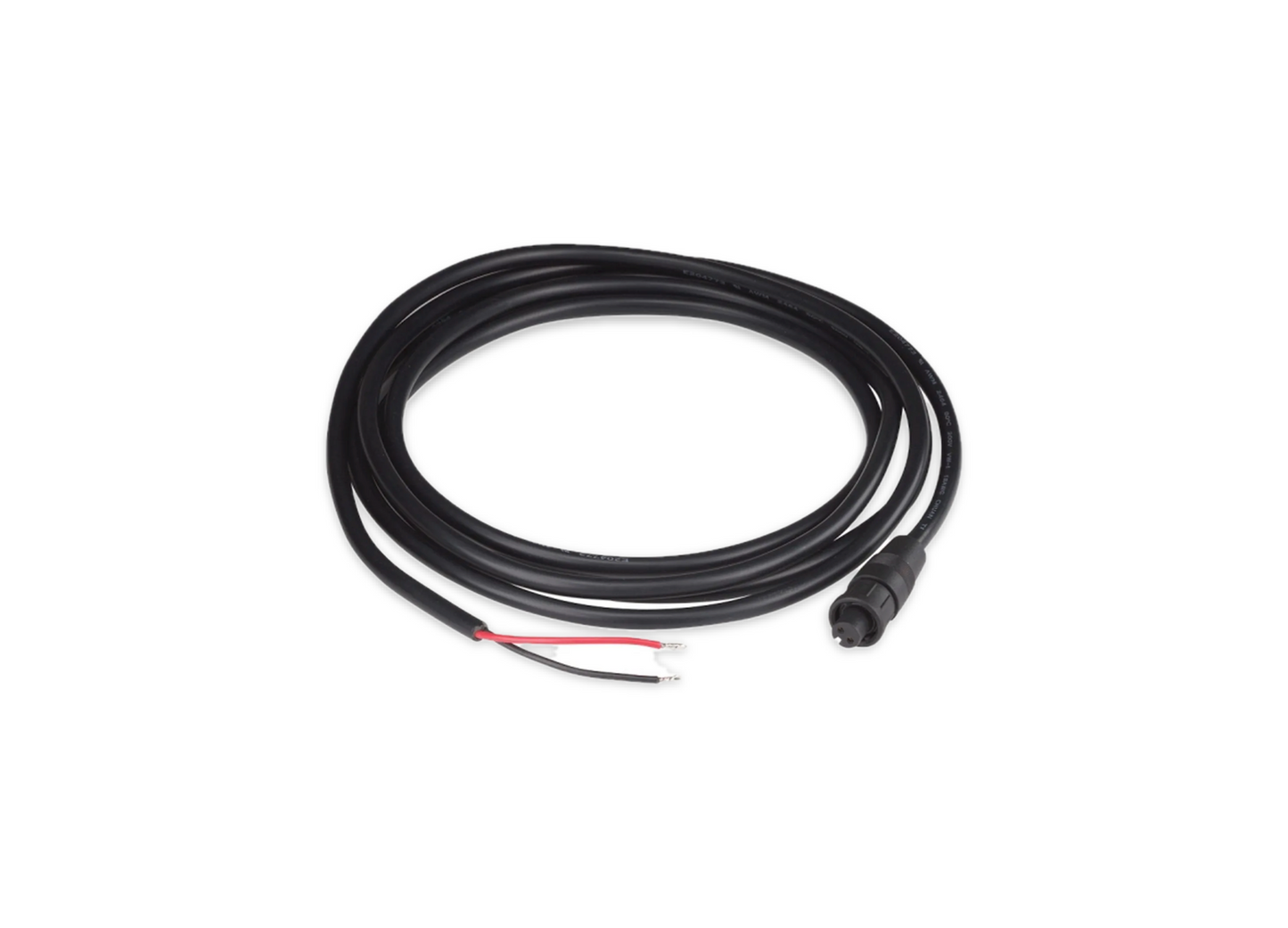
Touch 10 Spare Power Cable MOD 2 Pin 2M Long 80-911-0032-00
Touch 10 Spare Power Cable MOD 2 Pin 2M Long 80-911-0032-00
SKU:CZN80-911-0032-00
- Dedicated Power Delivery: Specifically designed to meet the electrical requirements of the Touch 10 display, ensuring stable operation within a Wide 8- 32 volt DC range.
- Plug-and-Play Design: Features a 2-Pin moulded connector for secure and straightforward connection to the back of the display unit.
- Ample Length: At 2 meters (6.5 ft), the cable provides enough flexibility for routing through bulkheads or furniture in marine and RV environments.
- Marine-Grade Reliability: Part of the CZone digital switching ecosystem, known for its durability in harsh environments like the Ocean Race.
Specifications
Specifications
Manufacturer Part Number: 80-911-0032-00.
Connector Type: 2-pin MOD connector.
Length: 2 meters (approximately 6.5 feet).
Function: Provides dedicated electrical power to the CZone Touch 10 display unit.
Shipping Weight: Approximately 0.17 kg
Installation Details
Installation Details
Safety Check: Verify that you are working on a CZone Touch 10 system. (Note: This cable is distinct from Cisco Touch 10 units, which typically use Power over Ethernet [PoE]).
Mounting Preparation: If the display is already mounted, you may need to unclip it from the bracket by carefully inserting a flathead screwdriver into the slot at the bottom and twisting.
Cable Connection:
Plug the 2-pin connector end of the cable into the power input port on the rear of the Touch 10 display.
Route the 2-meter cable through your chosen mounting hole or wall cavity.
Wiring to Power Source:
Connect the opposite ends of the cable to your CZone power distribution network or a compatible 12V/24V DC power source.
Ensure proper polarity is maintained to avoid damaging the display.
Testing: Once secured, turn on the main electrical power. The touch screen startup procedure should begin automatically.
Pelagic Power Tip
Pelagic Power Tip
When installing the CZone Touch 10 (80-911-0032-00) power cable, keep these pro-tips in mind to ensure a clean install and avoid damaging the sensitive electronics:
1. The "Voltage Drop" Check
While 2 meters is standard, if you are extending this cable to reach a distant battery bank, ensure you use a marine-grade duplex cable (16 AWG or thicker). The Touch 10 is sensitive to voltage drops; if the voltage dips below 10.8V, the screen may flicker or undergo random reboots when other DC loads (like pumps or lights) kick in.
2. Isolation is Key
To prevent electrical interference (EMI) on your touchscreen:
Avoid Parallel Routing: Do not zip-tie this power cable directly alongside high-current AC wires or VHF antenna cables.
Crossing Wires: If you must cross other wires, do so at a 90-degree angle to minimize noise induction.
3. Proper Fusing
Always install an ATC or ATO inline fuse on the positive (red) line if you are connecting directly to a bus bar rather than a CZone COI or Output Interface. A 3A fuse is typically sufficient to protect the 2-pin MOD cable and the display unit.
4. Service Loop
Leave a small "S-loop" or service loop of cable behind the mounting surface. If you ever need to pull the screen out for maintenance or to check the NMEA 2000 connection next to it, you won't be fighting a tight, strained wire that could snap the 2-pin connector head.
5. Connector Seating
The 2-pin MOD connector should "click" or feel firmly seated. Because marine environments involve high vibration, apply a tiny dab of dielectric grease to the pins before plugging it in. This prevents corrosion and "micro-fretting" caused by salt air.
Low stock: 2 left
Couldn't load pickup availability