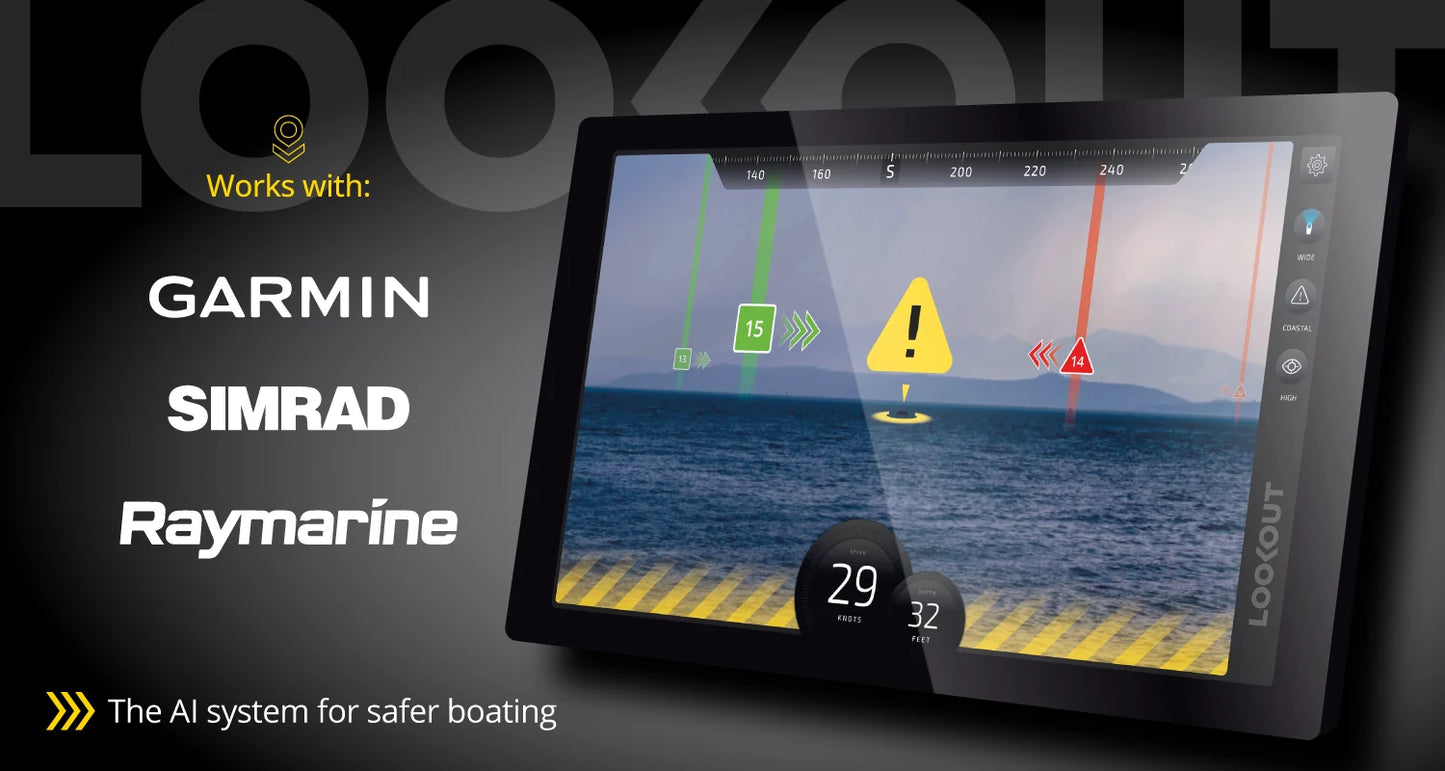
LOOKOUT Brain Pro
LOOKOUT Brain Pro
SKU:LOOKOUT-BRN-PRO
What's inside the box
- 🧠 The BRAIN PRO: The hidden intelligence of the operation, this processing unit houses a powerful NVIDIA graphic engine. Acting as the system's neural center, it fluidly analyzes multiple full-HD video streams at an ultra-smooth 30 frames per second. It works tirelesly beneath the deck to map hazards, track targets, and deliver split-second cognitive clarity to the captain's helm.
Specifications
Specifications
LOOKOUT Brain Pro:
High-Resolution, Long-Range Object Detection
NVIDIA GPU for real-time computer vision
Augmented navigation processor
Chart data stored locally
NMEA2000 connection for heading & GPS
AIS targets with NMEA-connected receiver
DVR functionality stores hundreds of hours of video
4.33 x 4.33 x 2.82” (110mm x 110mm x 90mm)
3.5 lb, 1.5 kg
60W DC maximum power consumption
Installation Details
Installation Details
Installing the LOOKOUT Marine Vision System involves mounting the hardware, running physical data/power connections, and completing a brief digital setup.
1. Physical Mounting
The LOOKOUT Camera: Mount on a mast, hardtop, or T-top. Choose a location with a clear view forward and an unobstructed aft view so the 360-degree camera can properly function for Docking Mode.The BRAIN PRO: Secure below deck or inside the helm console near your power source and display wiring.2. Wiring & Hardware ConnectionsThe system acts as a hub connecting your data, displays, and sensors directly to the Brain:Camera to Brain: Run a dedicated RJ45 network cable from the camera unit to the port labeled CAMERA on the Brain.
Brain to MFD
Route an HDMI cable from the Brain's HDMI port to the VIDEO IN port on your Multi-Function Display (Garmin, Simrad, Raymarine, or Furuno).Brain to MFD (Touch Controls): Connect a USB-A cable from the port labeled TOUCH on the Brain to the MFD's USB port to enable on-screen touch commands.
Data Integration
Wire the Brain into the NMEA 2000 boat data bus via an NMEA-to-USB gateway to sync AIS data, depth, and heading.Power Input: Connect the Brain to the vessel's 12V/24V DC house battery system using a helm rocker switch.3. Software Calibration & Network SetupOnce powered on, you must configure the internal settings to align the AI's perspective.
Network Updates
Go to System Settings -> Settings to connect the Brain to your onboard Wi-Fi, hotspot, or Starlink. This downloads chart corrections and continuous AI vision improvements.Camera Alignment: Set the physical camera height in the menu and align the forward camera heading so it points perfectly straight ahead relative to the boat's bow.
MFD Layout
Create a "Combo" screen split on your MFD to overlay the LOOKOUT video feed alongside your primary charts or radar layout.If you are planning the layout for a specific vessel, let me know:Your boat make and model (to determine the best camera placement)The exact brand of your Multi-Function Display (MFD)If you already have existing IP cameras (like FLIR or Axis) that you want to route through the Brain
Pelagic Power Tip
Pelagic Power Tip
In stock
Couldn't load pickup availability