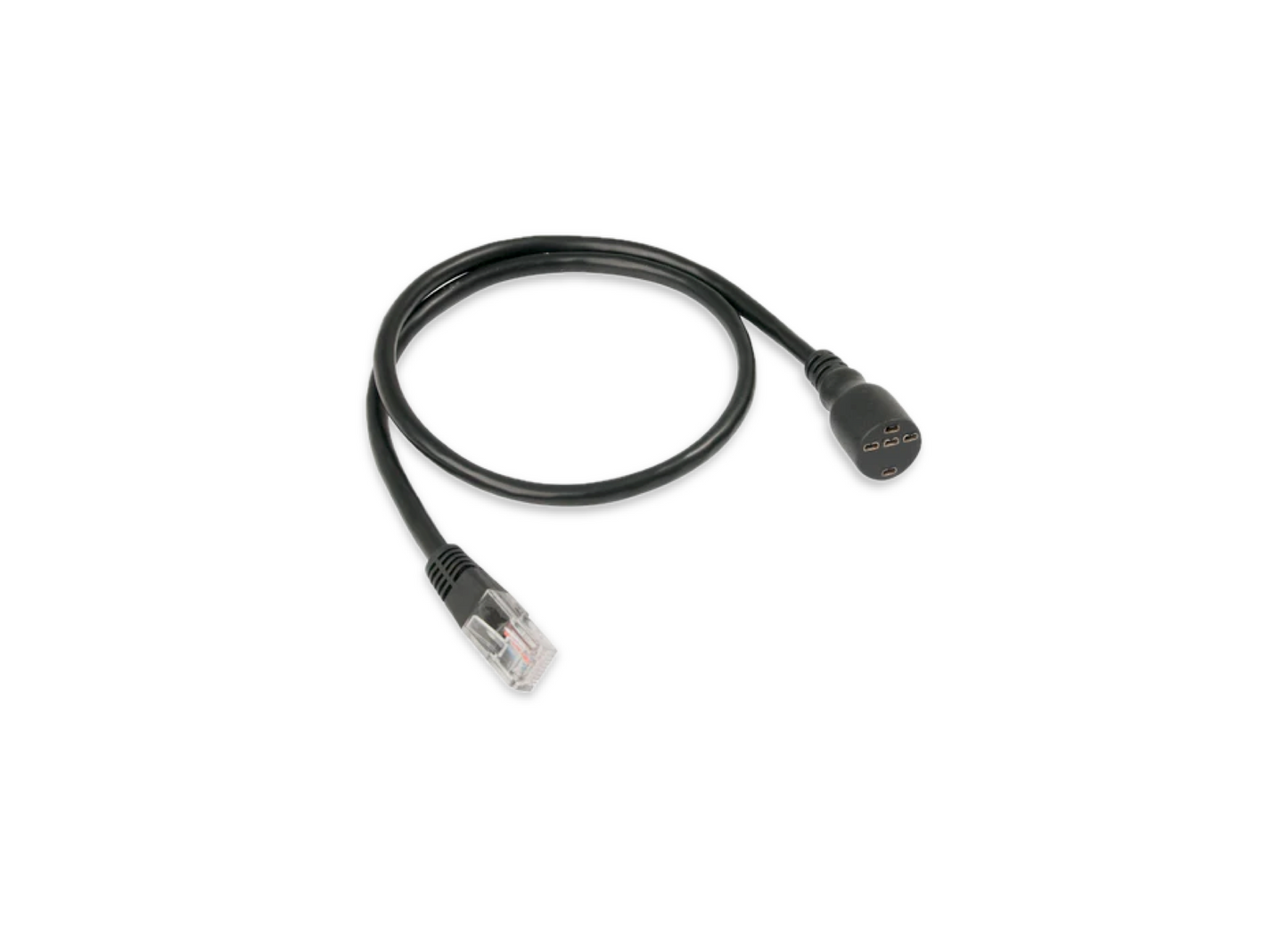
CZone SCI & DSB RJ45 Push Button Cable Assemblies
CZone SCI & DSB RJ45 Push Button Cable Assemblies
SKU:80-911-0085-01
- Connectors: Features a standard 8-way RJ45 connector on one side and a 5-pin push-button adapter on the other.
- Compatibility: Engineered for standard push-button layouts to facilitate manual control overrides or standard helm operations within a CZone network.
Specifications
Specifications
Length: .5,1,2 Meters Lengths
Cable Color: Black.
Weight: Approximately 0.25 lbs to 0.5 lbs.
Package Dimensions: Roughly 8 × 1 × 10 inches.
Installation Details
Installation Details
Locate the Module: Find the Switch Control Interface (SCI) or DSB module mounted on your vessel or RV.
Plug the RJ45 End: Insert the RJ45 connector into one of the designated 8-way input banks on the interface module. Ensure the waterproof grommet or clip seats correctly to protect against moisture.
Wire the Push Button: Connect the 5-pin side of the harness to your physical mechanical push button.
Secure Cable Routing: Tie off the cable length appropriately to avoid tension, excessive bending, or abrasive contact with sharp edges.
Set Configuration: Ensure your module's dipswitch is properly addressed to match the system's digital configuration via the CZone setup software.
Pelagic Power Tip
Pelagic Power Tip
Mind the Bend Radius: Do not bind or heavily squish the cable jacket during routing. Pinched cables often suffer internal wire breaks or cross-talk, which might register as "phantom" button presses in the digital system.
Keep High Current Separate: Route the SCI data/control cable away from high-current power cables (like windlass or thruster lines). Induced electrical noise can occasionally cause communication errors on sensitive digital networks.
Verify Dipswitches First: If the push button fails to execute commands after plugging it in, double-check that the physical dipswitch on the SCI matches your master software configuration perfectly before assuming a bad cable.
11 in stock
Couldn't load pickup availability