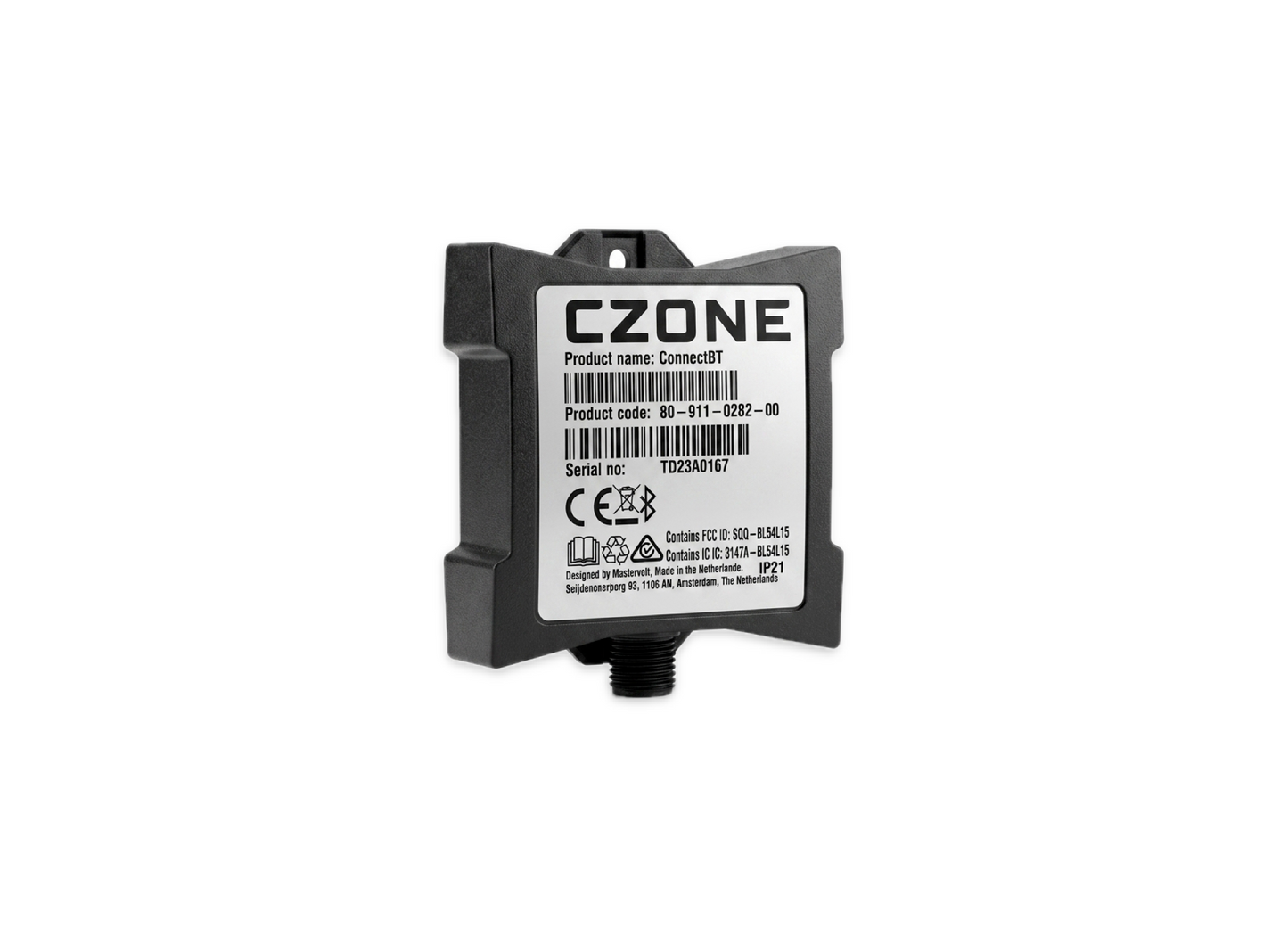
CZone Connect BT 80-911-0282-00
CZone Connect BT 80-911-0282-00
SKU:CZN80-911-0282-00
The CZone Connect BT (Part #80-911-0282-00) is a compact Bluetooth interface designed to provide wireless monitoring and control for existing Mastervolt and CZone electrical systems.
It acts as a gateway, allowing users to view battery status, tank levels, and control circuits directly from a smartphone via the CZone 360 App
- Wireless Control: Enables remote monitoring of DC/AC power, tank levels, and system alarms through a Bluetooth connection.
- Plug & Play Retrofit: Specifically designed for easy integration into existing MasterBus and CZone networks without extensive rewiring.
- Mounting Options: Can be mounted on a standard DIN rail or traditionally screw-mounted.
-
Technical Performance:
- Power Consumption: Operates at less than 130 mA and drops to under 5 mA in sleep mode.
- Device Connectivity: Supports one-to-one smartphone pairing for a secure and stable connection.
- App Integration: Works with the CZone 360 App, which provides a customizable homepage for favorite circuits and system modes.
Specifications
Specifications
The CZone Connect BT (80-911-0282-00) is specifically engineered for low-power, high-efficiency wireless system management. Below are the core technical specifications:Electrical & PowerOperating Voltage: 9–32V DC, making it compatible with both 12V and 24V marine and RV systems.Power Consumption (Active): Less than 130 mA during standard operation.Power Consumption (Sleep Mode): Optimized for battery preservation at less than 5 mA.Connectivity & IntegrationWireless Protocol: Bluetooth (Low Energy) for direct one-to-one pairing with mobile devices.Network Compatibility: Acts as a gateway between Bluetooth and CZone or MasterBus networks.Device Limit: Supports monitoring and control for up to three devices simultaneously.Software Support: Fully integrated with the CZone 360 App for customizable dashboards.Physical & EnvironmentalMounting: Versatile design supports standard DIN rail mounting or traditional screw-on installation.Form Factor: Compact, "plug-and-play" retrofit design intended to occupy minimal space in existing electrical panels.Protection: Built to marine-grade standards (typically IP-rated, though specific ingress ratings like IPX5 are standard for related CZone modules like the Control 1).Monitoring CapabilitiesSystem Data: Monitors AC/DC power, battery state of charge (SOC), and voltage.Tank Levels: Provides real-time visibility into fresh, grey, or black water levels.Circuit Control: Allows for manual override and remote toggling of lighting and auxiliary circuits.
Installation Details
Installation Details
Installing the CZone Connect BT (80-911-0282-00) is designed for straightforward integration into existing CZone or Mastervolt networks.Mounting GuidelinesEnvironment: The unit must be mounted in a dry location.Orientation: It should be mounted vertically with cables exiting downwards to maintain an IPX5 rating if integrated with other modules.Mounting Methods: Supports standard DIN rail mounting or can be secured to a flat, sturdy surface using 4 mm screws.Clearance: Ensure at least 10mm of clearance around the sides and top of the unit for heat dissipation and cover removal.Network ConnectionsCZone/NMEA 2000: Connect a standard NMEA 2000 drop cable from the device to the system backbone.Termination: Ensure the network is properly terminated with terminators at both ends of the backbone for data stability.Power: The device typically draws power directly from the NMEA 2000 network (12V DC), which must be fused at the supply source.Pairing & ConfigurationBluetooth Pairing: Pairing is done on a one-to-one basis through the CZone 360 App. Follow the in-app prompts to detect and secure the connection to your smartphone.Configuration Update: If adding to an existing system, you may need to use the CZone Configuration Tool via a USB-to-CAN adapter to write the new module into the system's logic.Dipswitch Settings: If the module has physical dipswitches, ensure they are set to a unique address on the network before powering up.Post-Installation CheckPower Up: Turn on the NMEA 2000 network power.LED Check: Verify the Network Status LED lights up, indicating a successful connection to the backbone.App Verification: Open the CZone 360 App to ensure the module is visible and reporting system data like battery voltage or tank levels.
Pelagic Power Tip
Pelagic Power Tip
The most critical Tech Tip for the CZone Connect BT (80-911-0282-00) is maintaining a stable NMEA 2000 network power supply, as the module relies entirely on the backbone for its data and operational power.
Performance & Troubleshooting TipsThe "Power Cycle" Fix: If the Bluetooth connection becomes unresponsive or the CZone 360 App fails to sync, perform a full system reboot. Turn off the NMEA 2000 network and display breakers for at least 10 seconds before restarting.Check Network Termination: Ensure your NMEA 2000 backbone has exactly two terminators (one at each end). Missing or extra terminators can cause intermittent Bluetooth pairing failures or incorrect data reporting. Clean Connection Points: Use an electrical contact cleaner on NMEA 2000 drop cables and connectors every season. Salt air or vibration can lead to micro-corrosion that disrupts the low-voltage communication required for the Connect BT.
Low stock: 2 left
Couldn't load pickup availability