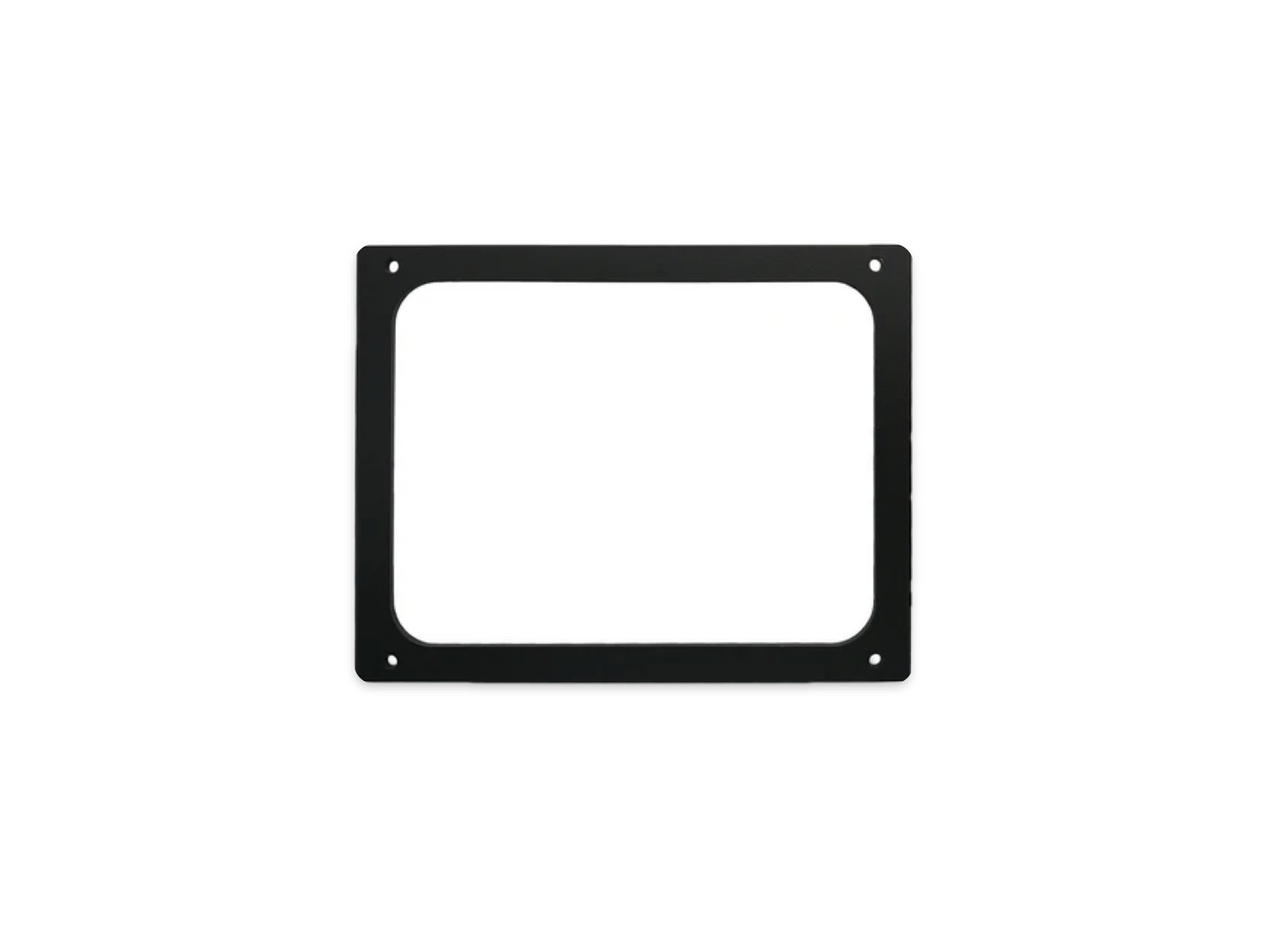
CZone 80-911-0136-00 Touch 5 Retrofit Plate 24V Kit
CZone 80-911-0136-00 Touch 5 Retrofit Plate 24V Kit
SKU:CZN80-911-0136-00
This product is intended to replace an existing 3.5” Display Interface with the Touch 5 a retrofit plate should be ordered to cover old cutout.
Only compatible with Touch 5 display
NOTE: the Touch 5 requires a 12 V supply (not 24 V), so a suitable 24 V to 12 V converter should be installed on systems with a 24 V supply.
A 24 V to 12 V converter is supplied as standard with article number 80-911-0136-00.
Specifications
Specifications
Kit Contents:
Retrofit plate
24V to 12V DC converter
Mounting wall/bracket
4 x Screws, nuts, and washers
Installation Details
Installation Details
Retrofit Plate & Display Mounting
Remove Existing Unit: Unclip and remove the old 3.5-inch Display Interface from the dash.
Prepare the Plate: Position the retrofit plate over the existing 3.5-inch cutout. The plate is designed to cover the original hole completely.
Mount the Bracket: Secure the mounting bracket and plate to the dash using the four included screws, nuts, and washers [80-911-0136-00 Specs].
Install Display: Once the plate is secured, the Touch 5 display unit clicks into the bracket for a low-profile, flush-mount finish.
2. Wiring & Power Connections
24V to 12V Converter: Connect the vessel's 24V DC positive and negative wires to the Input side of the supplied converter. Connect the Output side (12V) to the Touch 5 power cable.
NMEA 2000 Connection: Plug a standard NMEA 2000 drop cable from the display’s rear port into the existing NMEA 2000 backbone to allow the unit to communicate with the rest of the CZone network.
Power Control (Yellow Wire):
Auto On: Connect the yellow wire to the positive supply. The unit will power up immediately when the system is turned on.
Manual On: Leave the yellow wire unconnected if you prefer to use the front power button.
Pelagic Power Tip
Pelagic Power Tip
Always apply a small amount of dielectric grease to the NMEA 2000 connector pins before plugging them in. This prevents "wicking" or corrosion in humid marine environments, which is the #1 cause of intermittent touch screen lag.
Low stock: 2 left
Couldn't load pickup availability